

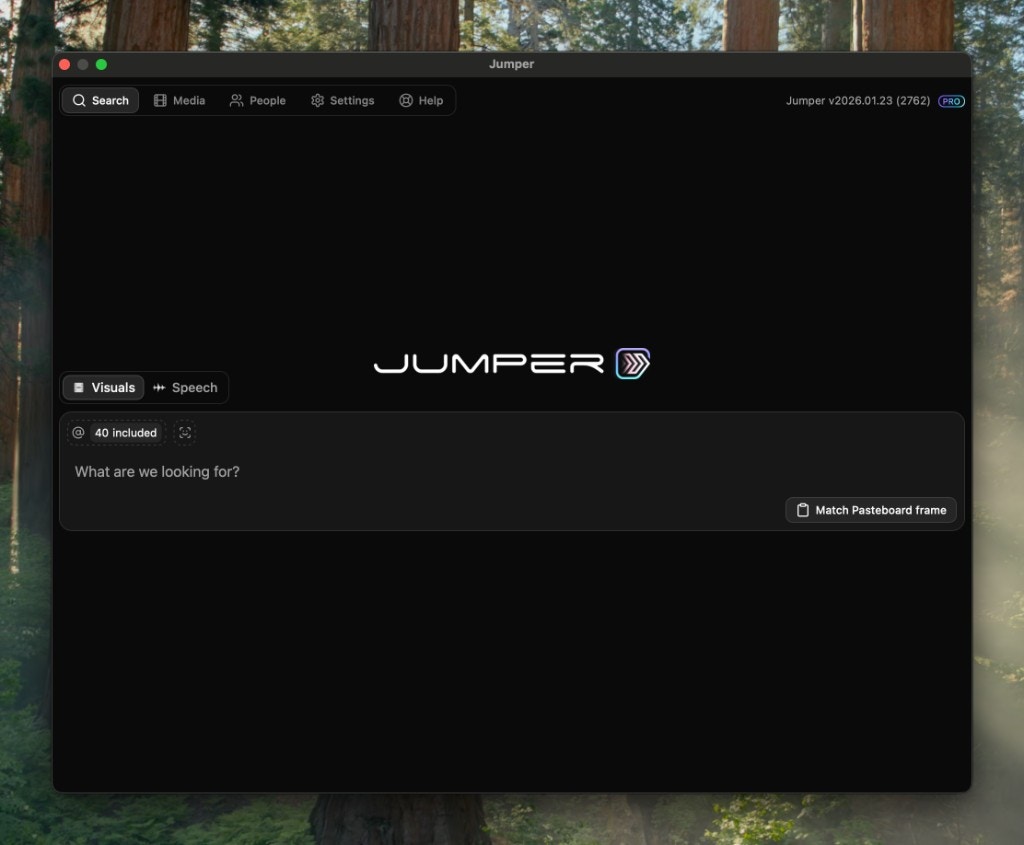
Navigation Tabs
The Jumper interface is organized into five main tabs, each accessible through tabs at the top of the window.Search
The primary workspace for searching your analyzed media. Switch between visual and speech search, manage search context, and view results.
Media
Manage the media files that Jumper has access to. Mark files for analysis, monitor analysis progress, and control which files are included in searches.
People
View and manage face collections. See all detected people across your media and organize them into collections for different projects.
Settings
Configure Jumper’s behavior, including machine learning models, analysis folder location, timeline insertion settings, and license management.
Help
Access help resources and documentation directly from within Jumper.