What Jumper Standalone can do
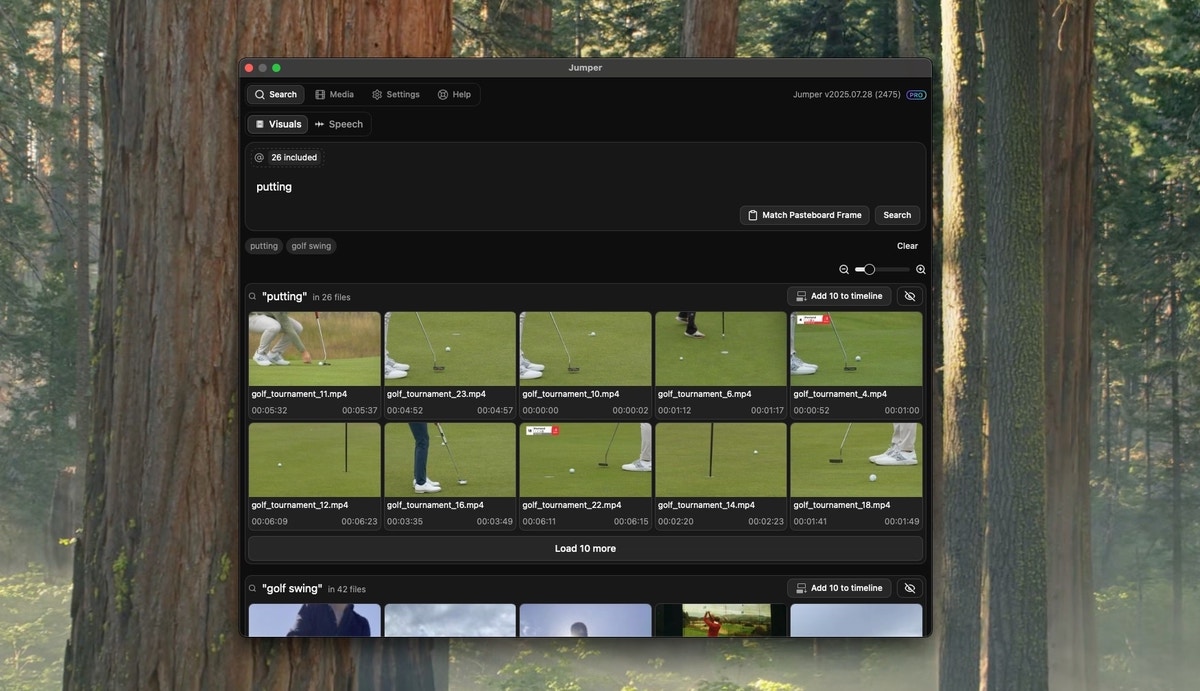
Use Jumper Standalone to:- Analyze and manage footage before starting an editing project
- Run visual search, speech search, and people search
- Search all analyzed media across projects and drives
- Export matching scenes as trimmed video files or CSV
Export search results
In Standalone, you can export directly from visual and speech search results without opening an NLE.1
Set the export directory
In the Settings tab, open Export subclips directory and choose where exported files should be saved.
3
Export trimmed subclips
Use the export control in the search results to export matching scenes as trimmed video files. Jumper cuts each result to its detected in and out points and saves them to your export directory.
4
Import into your NLE
Drag the exported files into Premiere Pro, Final Cut Pro, DaVinci Resolve, Avid Media Composer, or any other editor.
Included with Every License
Jumper Standalone is included with every Jumper license at no additional cost. If you have Jumper installed, you already have access to the Standalone app.Platform Support
Jumper Standalone runs on both Windows and macOS.Opening Jumper Standalone
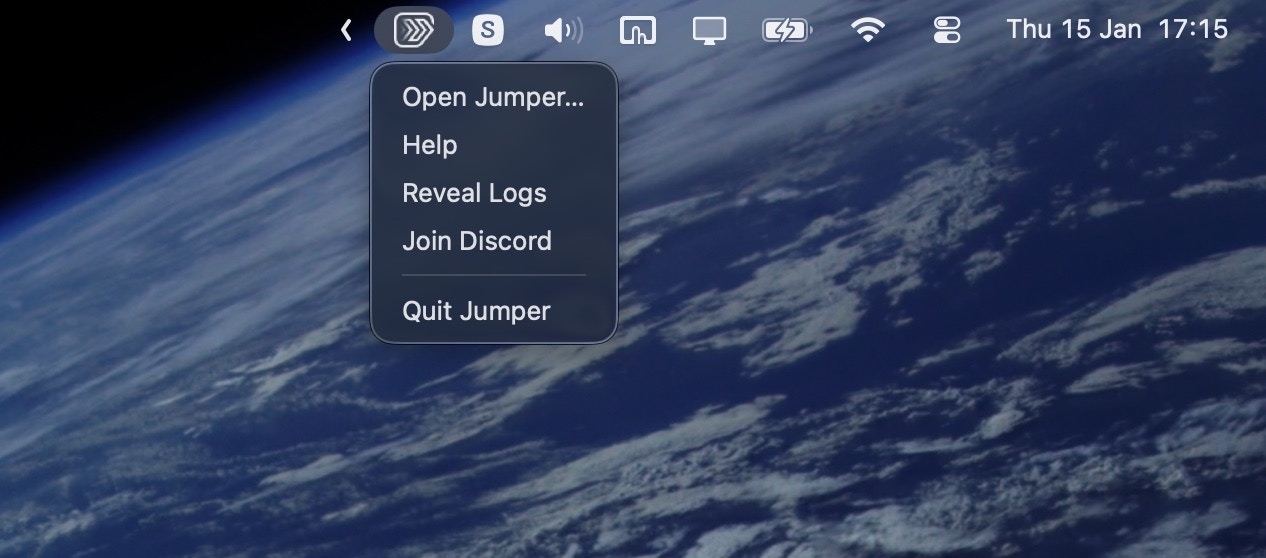
First make sure you have launched Jumper.app or Jumper.exe.- macOS
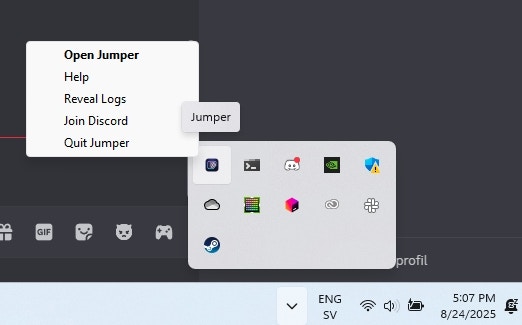
- Windows
You’ll see a Jumper menubar item in the top right corner of the screen. Click it to open the Jumper Standalone app.