Instructions
1
Ensure permissions are set
Make sure that Jumper is installed, and 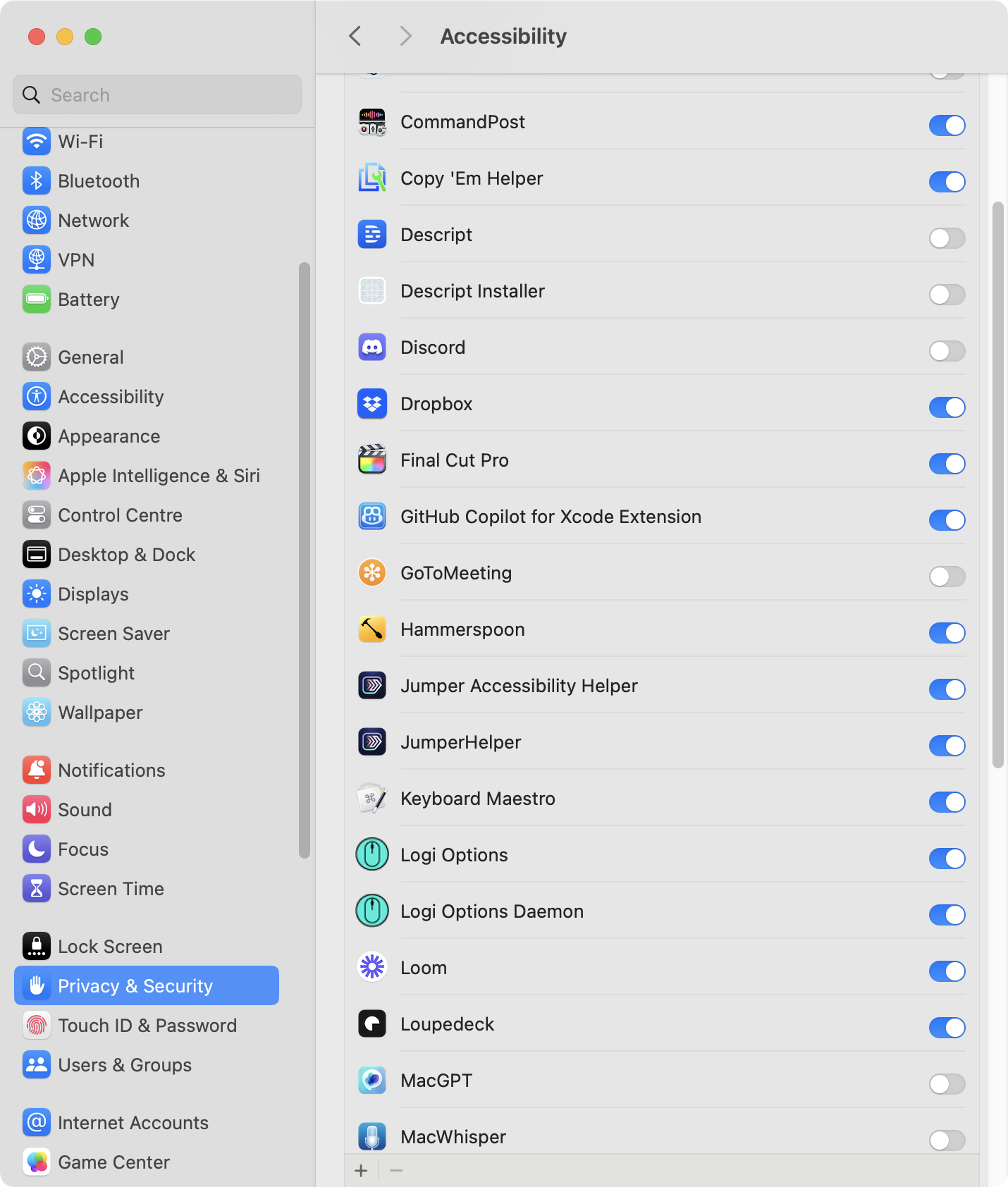
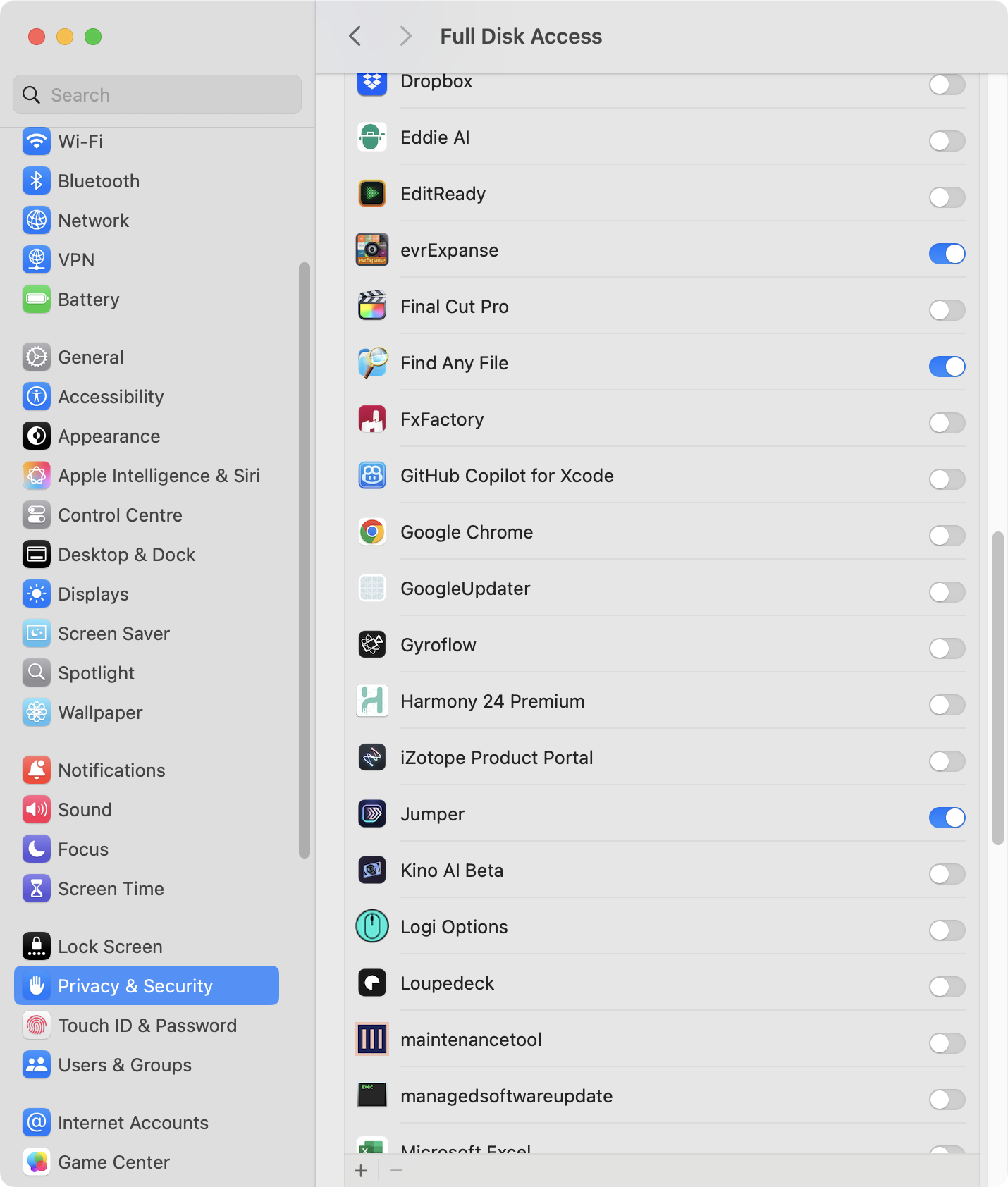
JumperHelper has Accessibility Permission, and Jumper.app has Full Disk Access. If you install Jumper for Final Cut Pro, it will prompt you for these.2
Close Avid Media Composer
Make sure that Avid Media Composer and all it’s various helper apps (such as 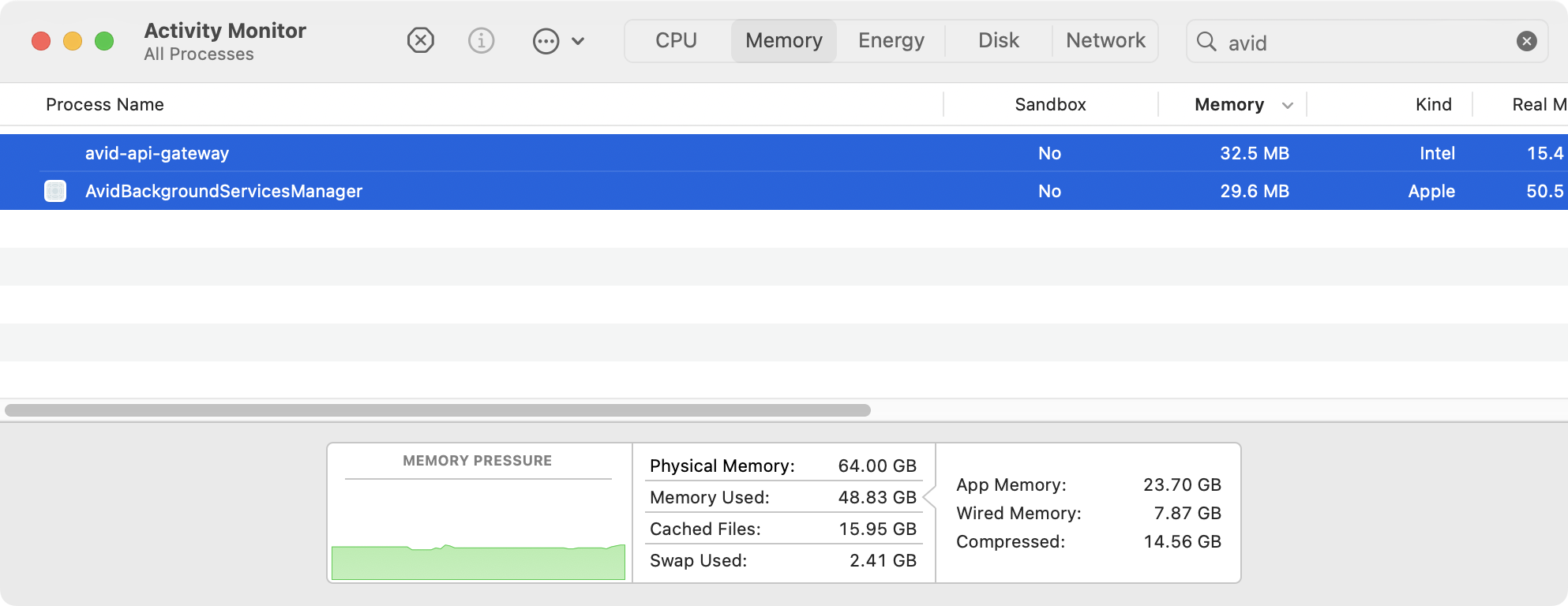
avid-api-gateway) are closed in Activity Monitor / Task Manager.For example, quit these:3
Launch Jumper
Launch 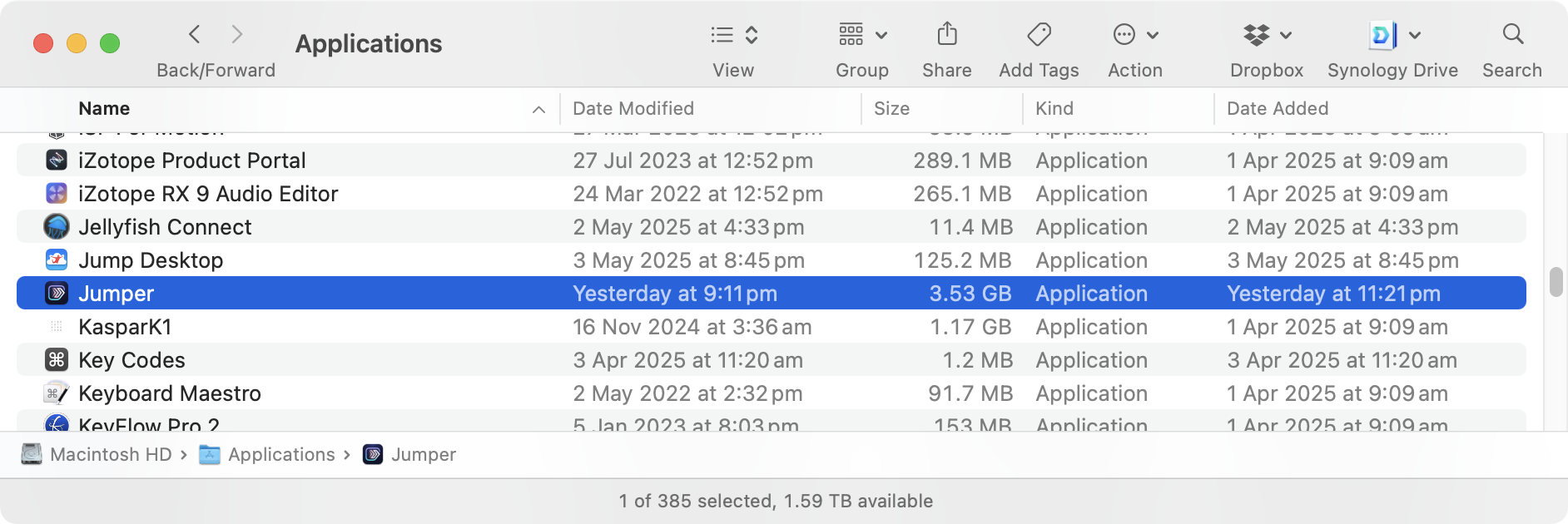
Jumper.app from your Application folder.4
Enable Jumper in Avid Media Composer
Click Enable Jumper in Avid Media Composer.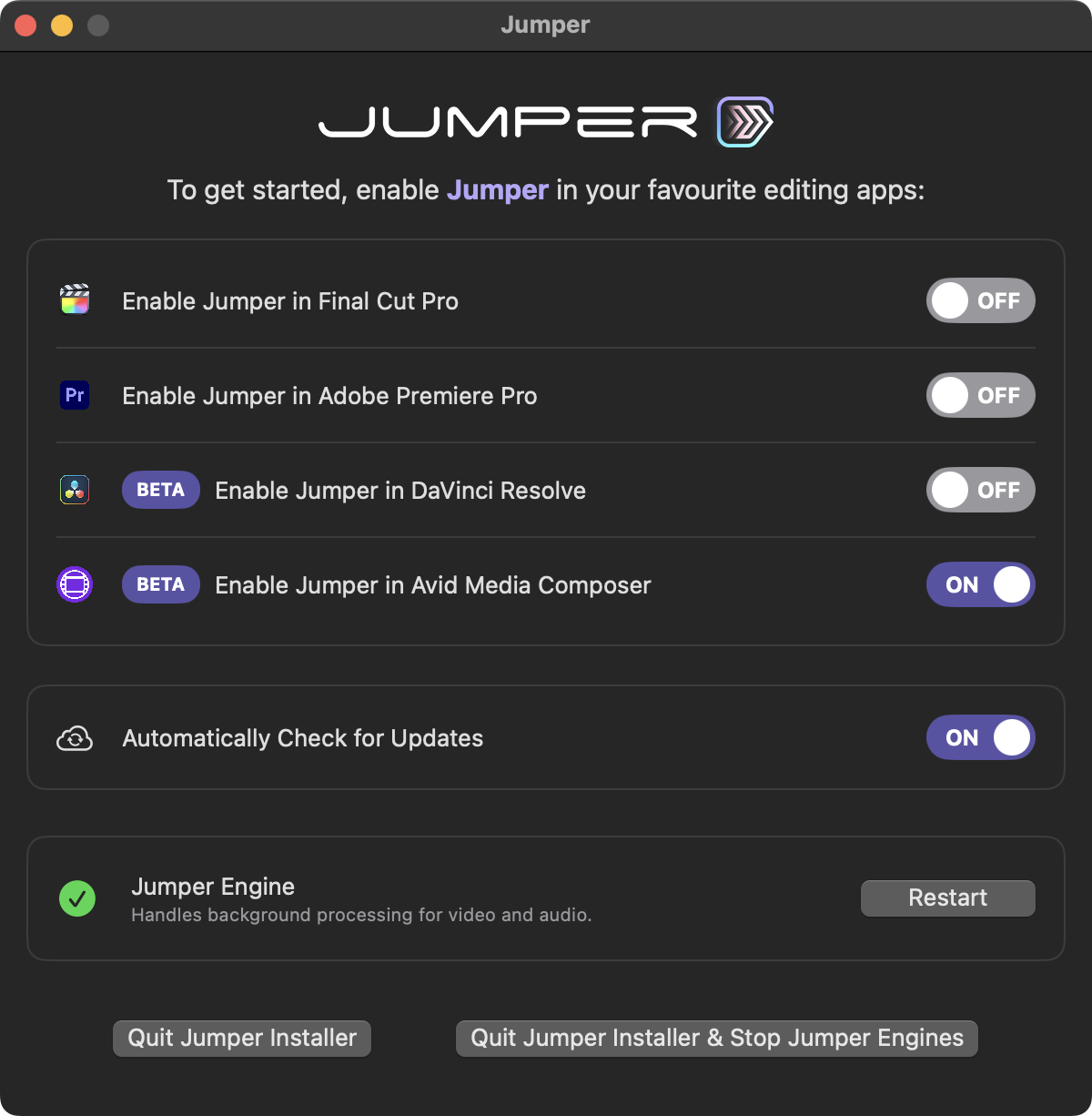
/Library/Application Support/Avid/PanelSDKPlugins/jumper.avpi.5
Launch Avid Media Composer
You can now launch Avid Media Composer.Create a new Avid project or open and existing Avid project.
6
Access Jumper from Avid
You’ll find Jumper in Tools -> Jumper. In newer versions of Avid Media Composer (2025.12 and later), you can find it in Extensions -> Jumper.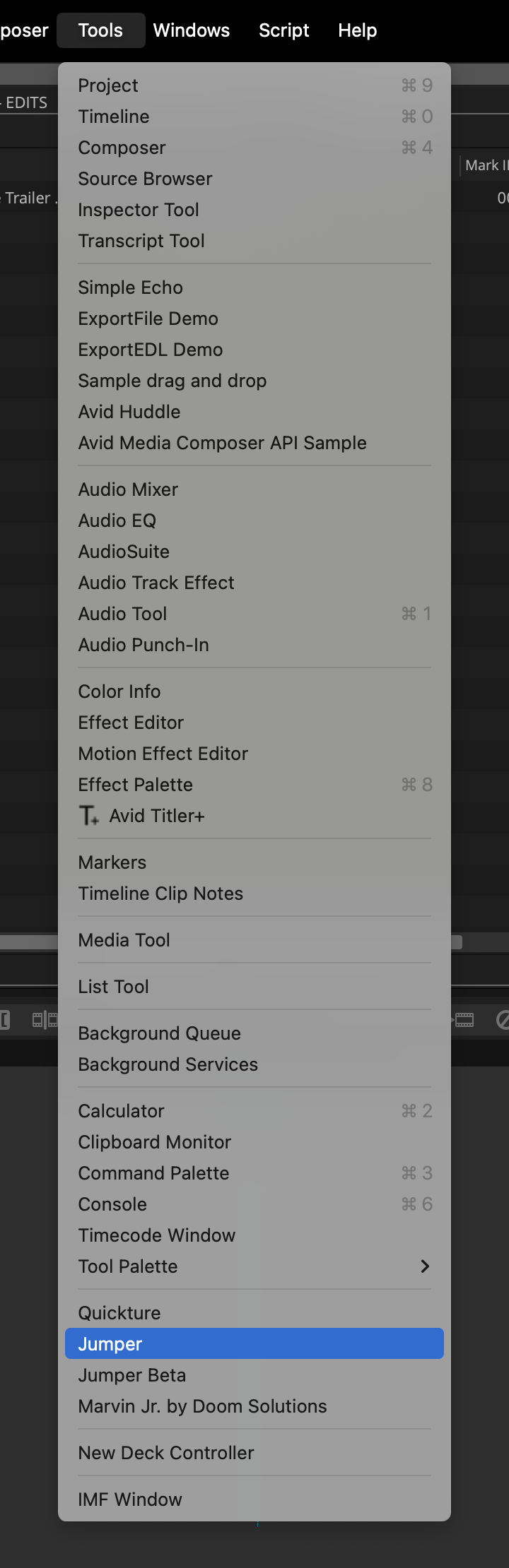
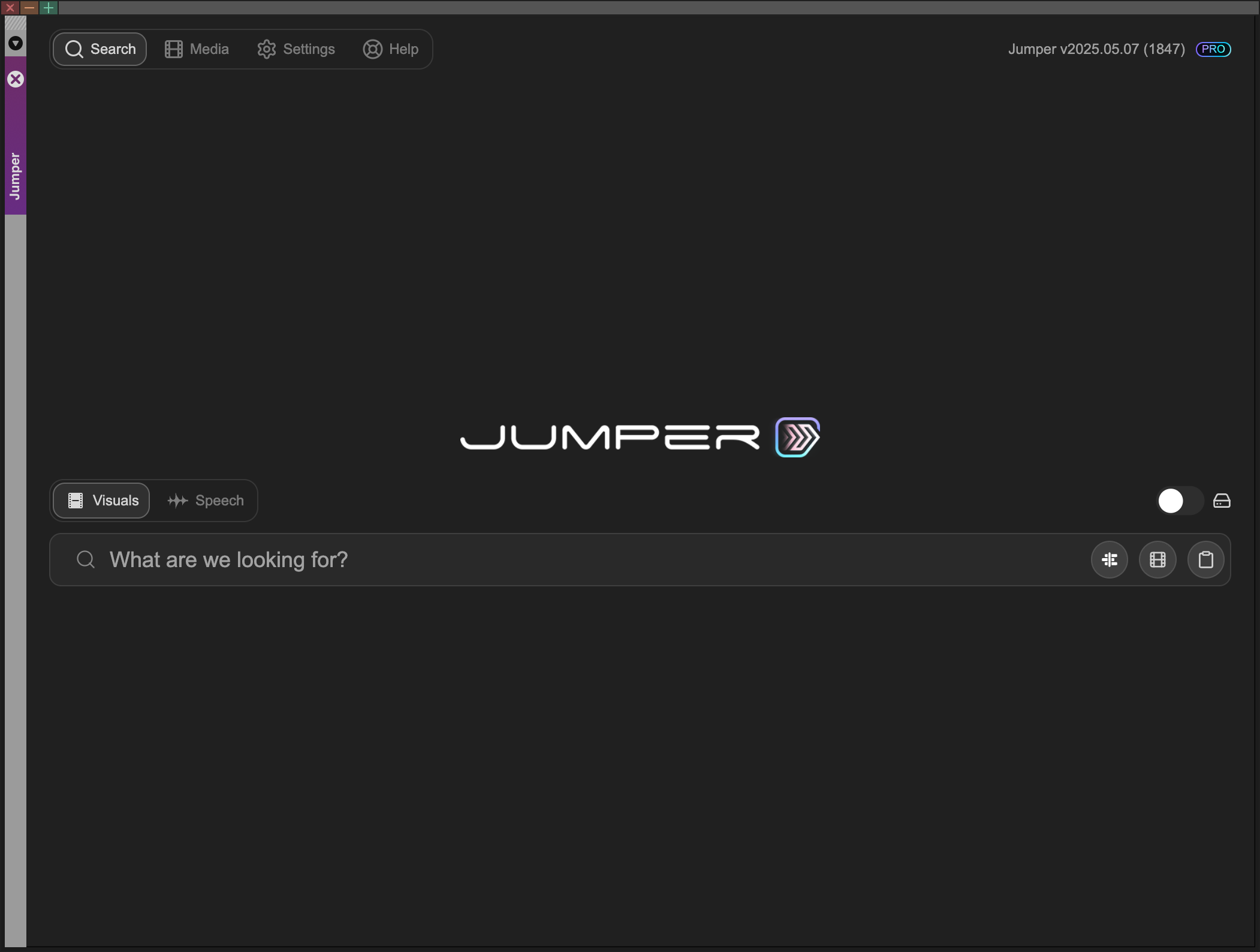
7
Understand the Media Panel
The only real difference between Jumper for Avid Media Composer and Jumper for DaVinci Resolve, Final Cut Pro and Adobe Premiere Pro is the Media Panel.In Jumper for Avid Media Composer, you populate the Media table using the Scan MXF Metadata button and the Load Media dropdown (next to the filename filter in the Media tab). If the MXF has already been analyzed, you can often skip the scan step. See Adding media for the full workflow.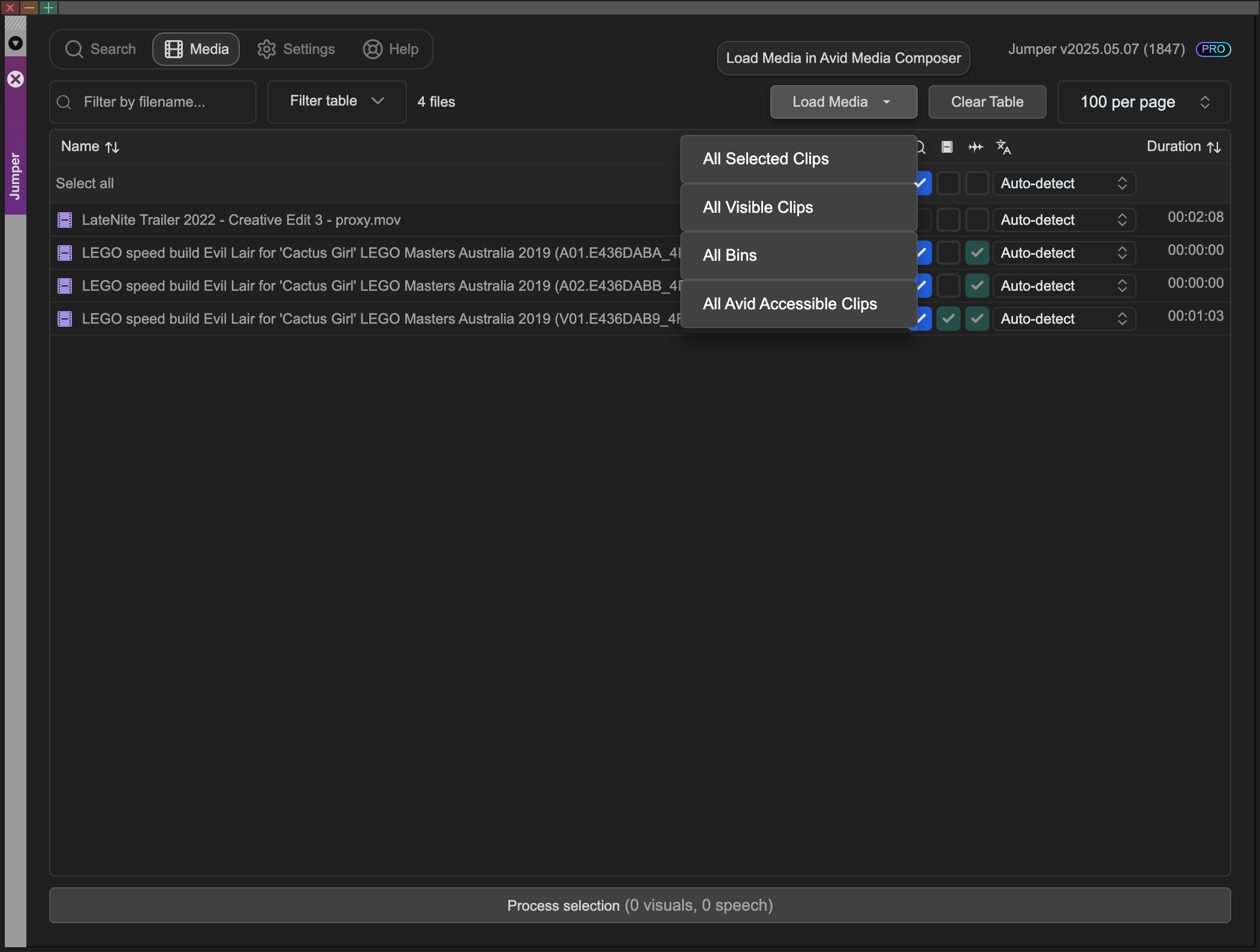
Required shortcuts
Jumper relies on default Avid Media Composer shortcuts for Mark IN/OUT and playhead navigation. The Avid Panel SDK is unstable for some of these actions, so Jumper triggers keyboard shortcuts instead.Match Source/Record Viewer Frame
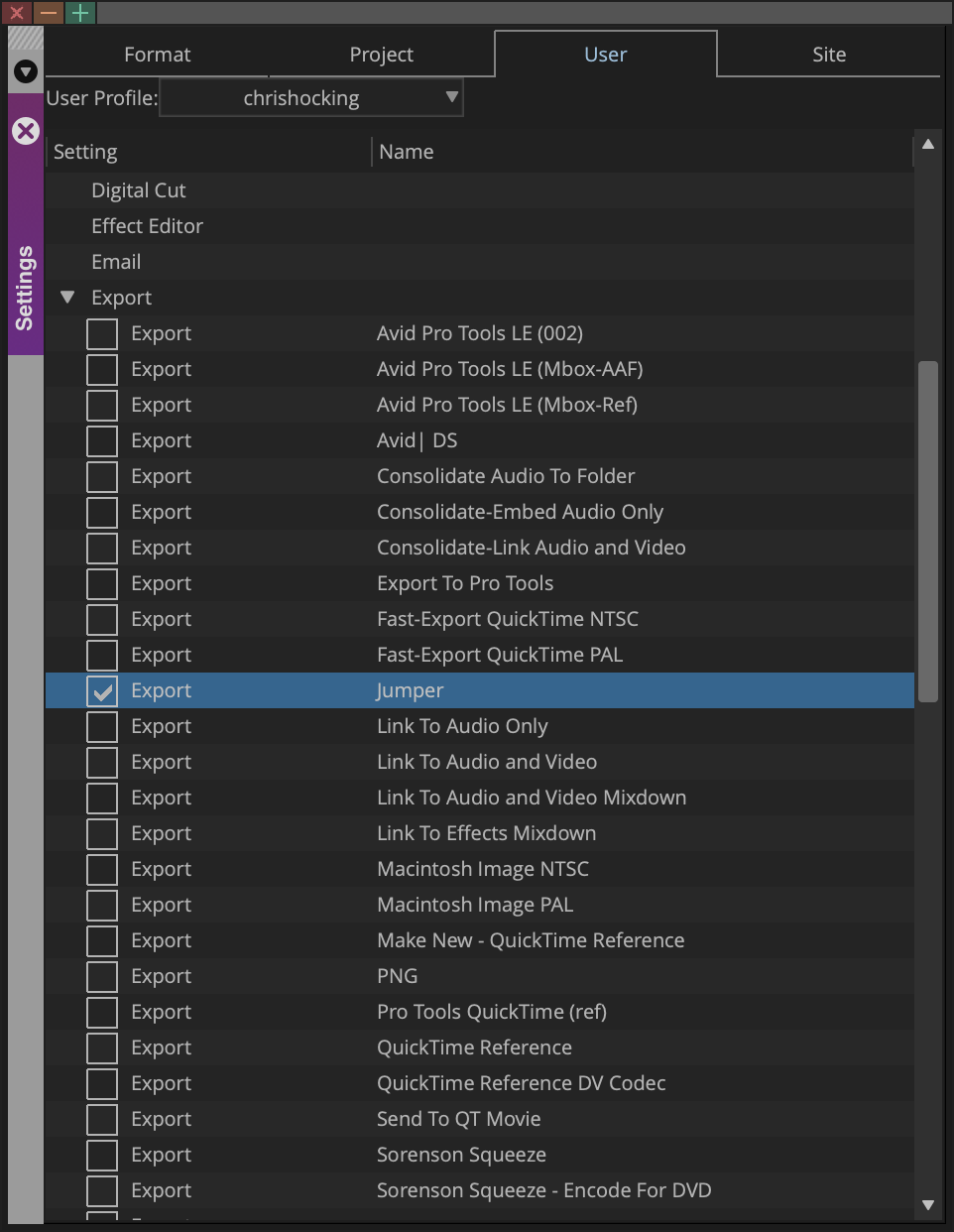
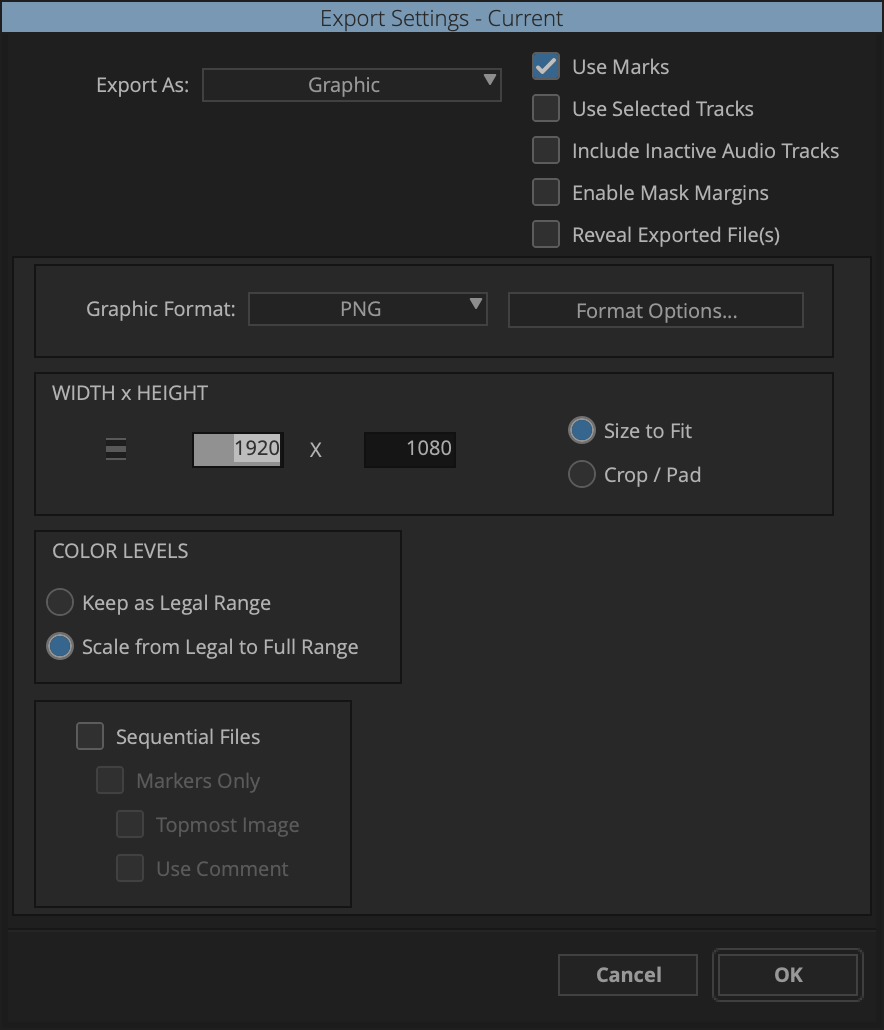
To enable this functionality you need to create a new Export Preset in Avid Media Composer called Jumper. In the current version of Jumper, it will automatically create this Export Preset.