

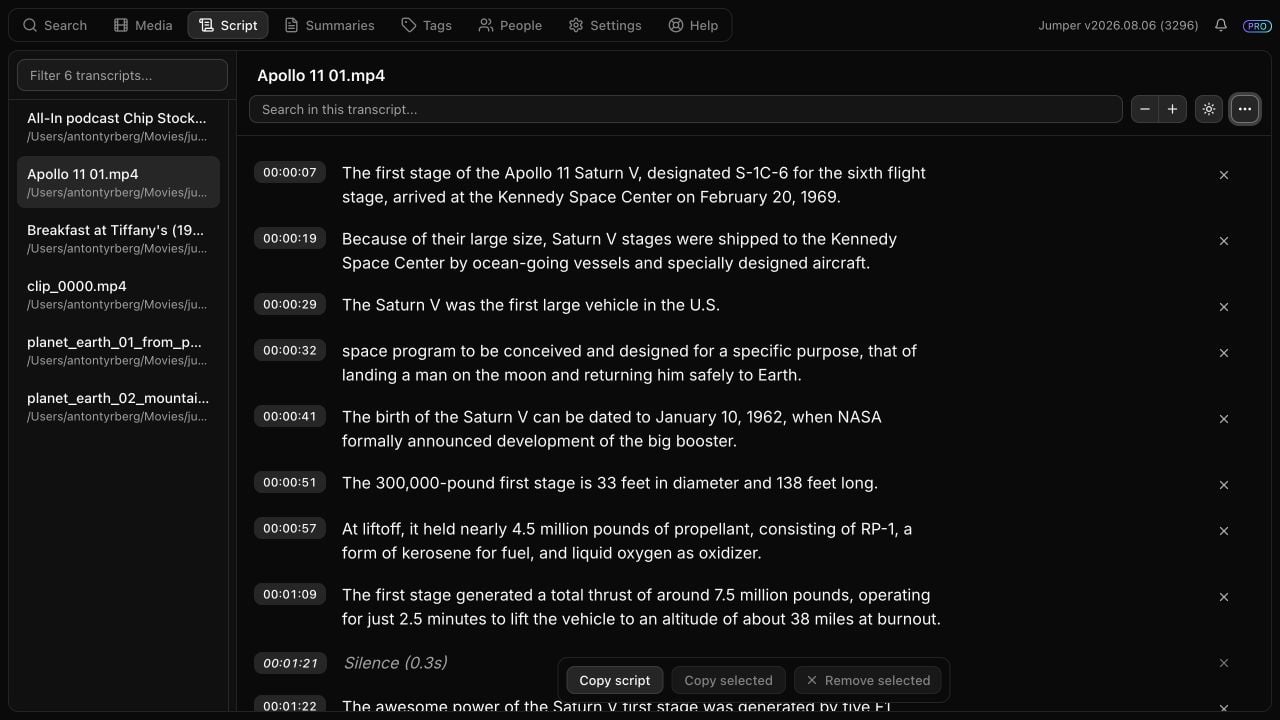
Transcript availability and selection
Toolbar
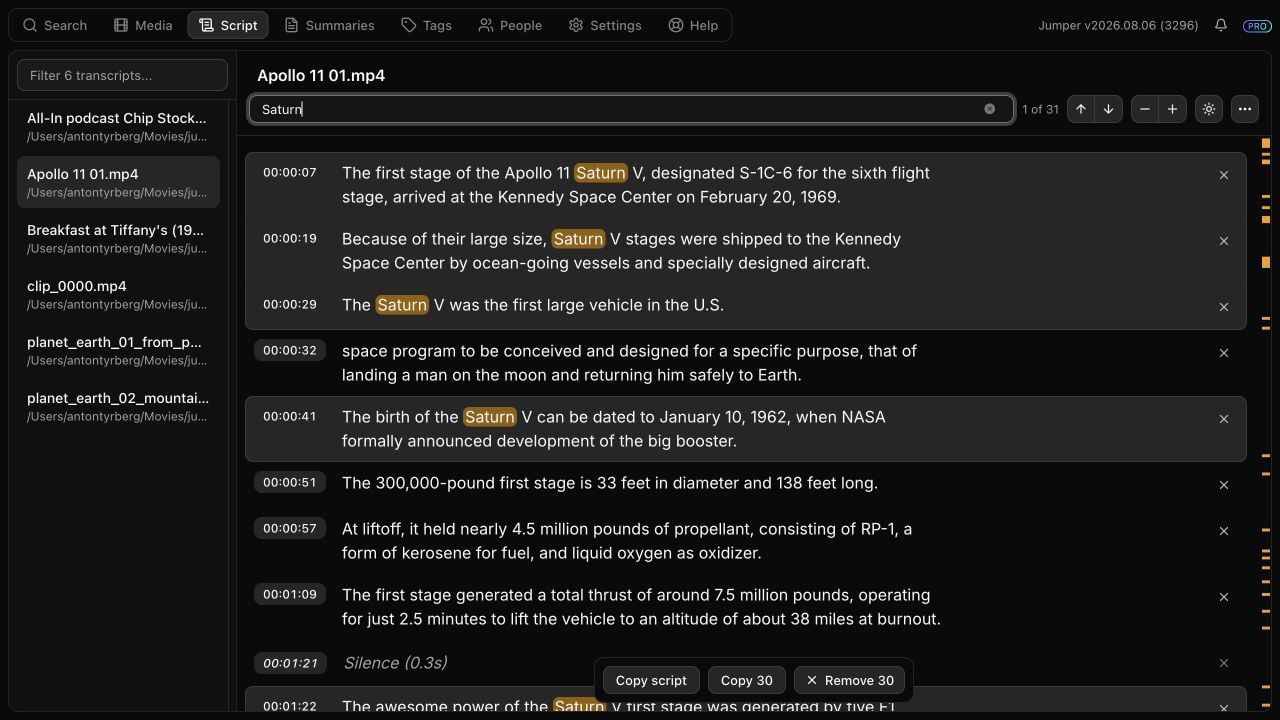
The marks beside the scrollbar summarize transcript search matches and the current viewport using rendered row positions. They update when removed groups expand or collapse.
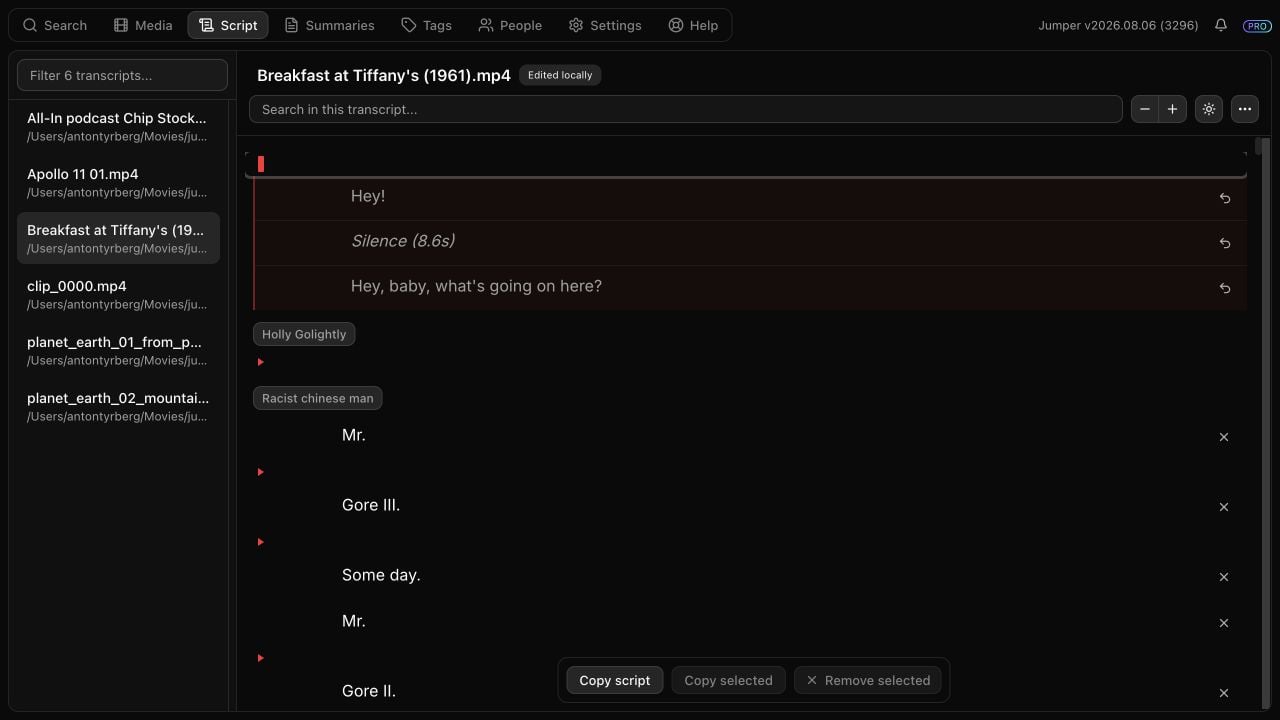
Transcript rows and removed groups
The entire red marker row toggles a removed group. Expanding a group displays its contents but does not restore them.
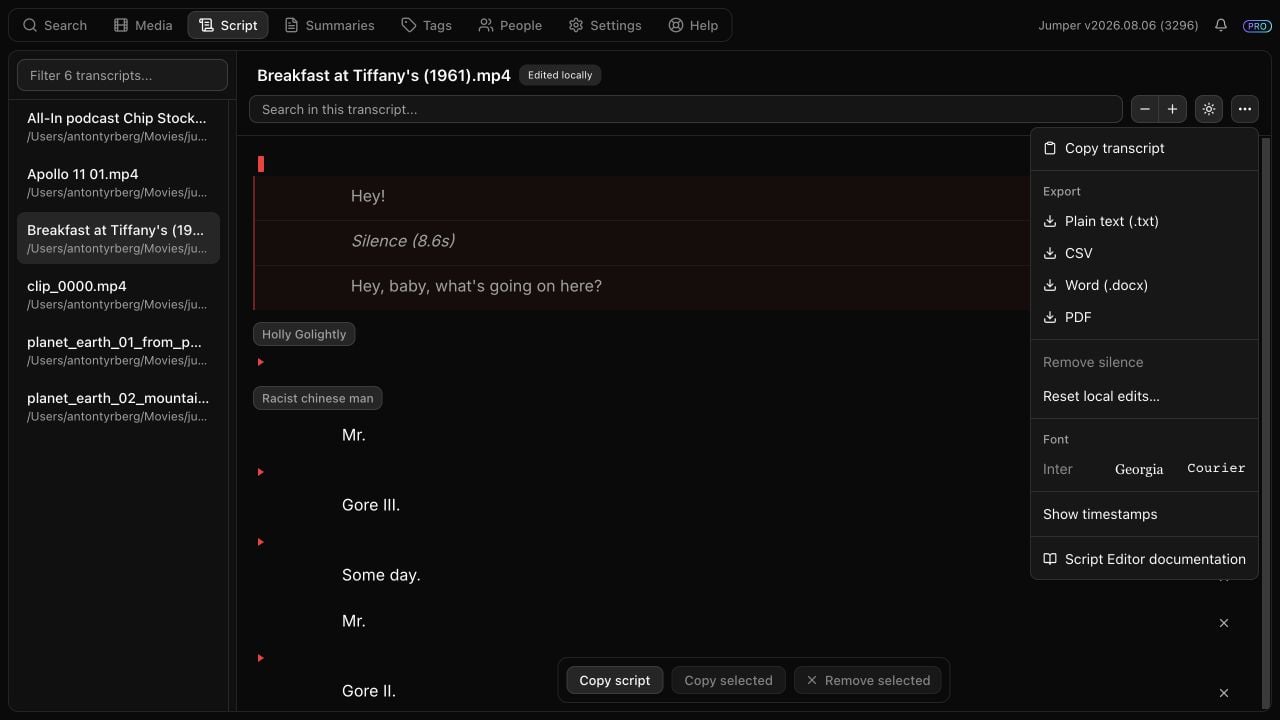
Script options menu
Floating action bar
Copy script, exports, and Add all to timeline operate on the current edited script and exclude removed lines. Copy transcript is the explicit action for copying the complete original transcript.
Keyboard behavior
Local edits and persistence
Persisted display settings
Edit a transcript in the Script tab
Follow the task-oriented workflow for making and outputting a paper edit.